Research Tree Editor
|
This page is still a work in progress. If you have any feedback, please let us know in the Discord. |
Have you been holding off on implementing a MAM research tree in your mod because of how tedious it is? Wait no more!
The Research Tree Editor allows you to create and edit research trees in a visual interface and provides considerable error checking functionality.
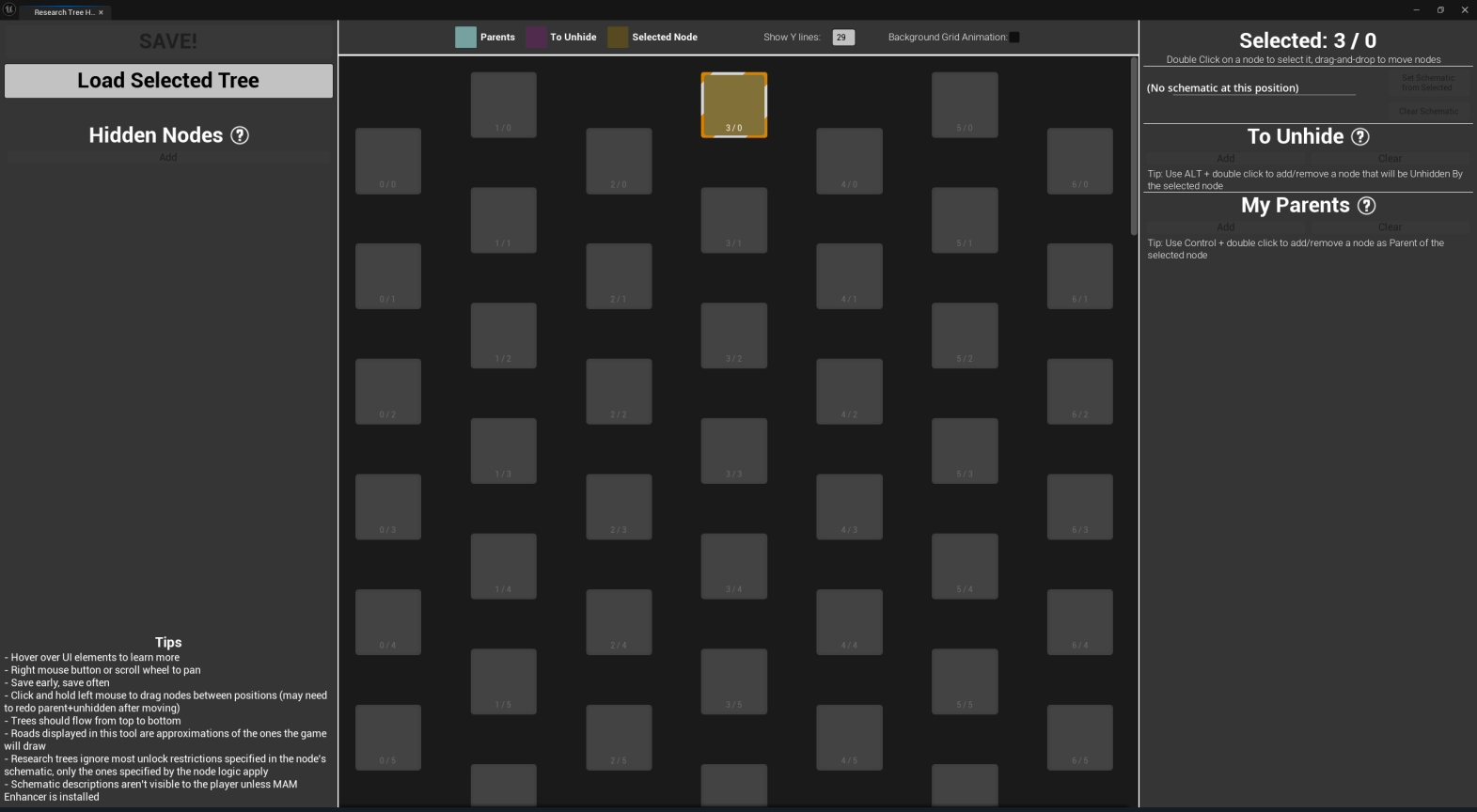
Launching the Tool
To launch the tool, right click on a tree asset and select Scripted Asset Actions > SMLEditor: Open in Research Tree Editor.
You can also navigate to the SMLEditor Content/ResearchTree/ folder in the Content Browser,
right click on the ResearchTreeHelper asset, then select Run Editor Utility Widget.
Using the Tool
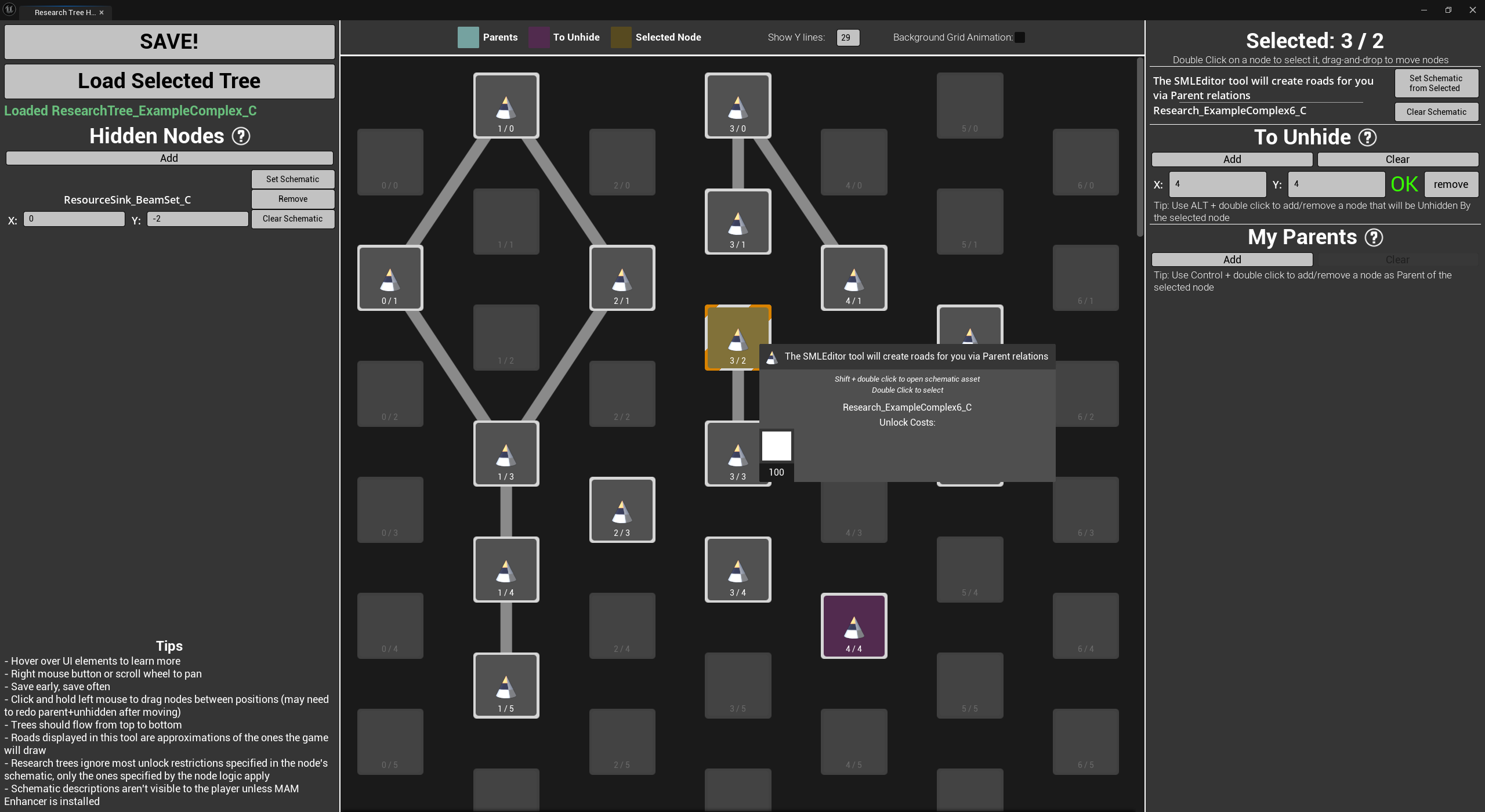
The Example Mod includes a complex research tree (created by the tool) to demonstrate and explain some important research tree concepts. Explore this tree, and the base game’s trees, to learn more about how research trees work.
Hover over elements in the tool to see tooltips explaining what they do.
Add new nodes by selecting a position in the grid (double click),
selecting a Schematic asset in any Content Browser,
then clicking Set Schematic from Selected in the tool.
You may find the shortcut Ctrl + Space to open a temporary Content Browser useful for this.
Note that it only works when you don’t already have a text field or button focused within the tool.
Relocate existing nodes by dragging them around on the grid.